imgskit Journal
Imgskit Emoji Generation Review: Create Unique Emoji Art From Any Photo
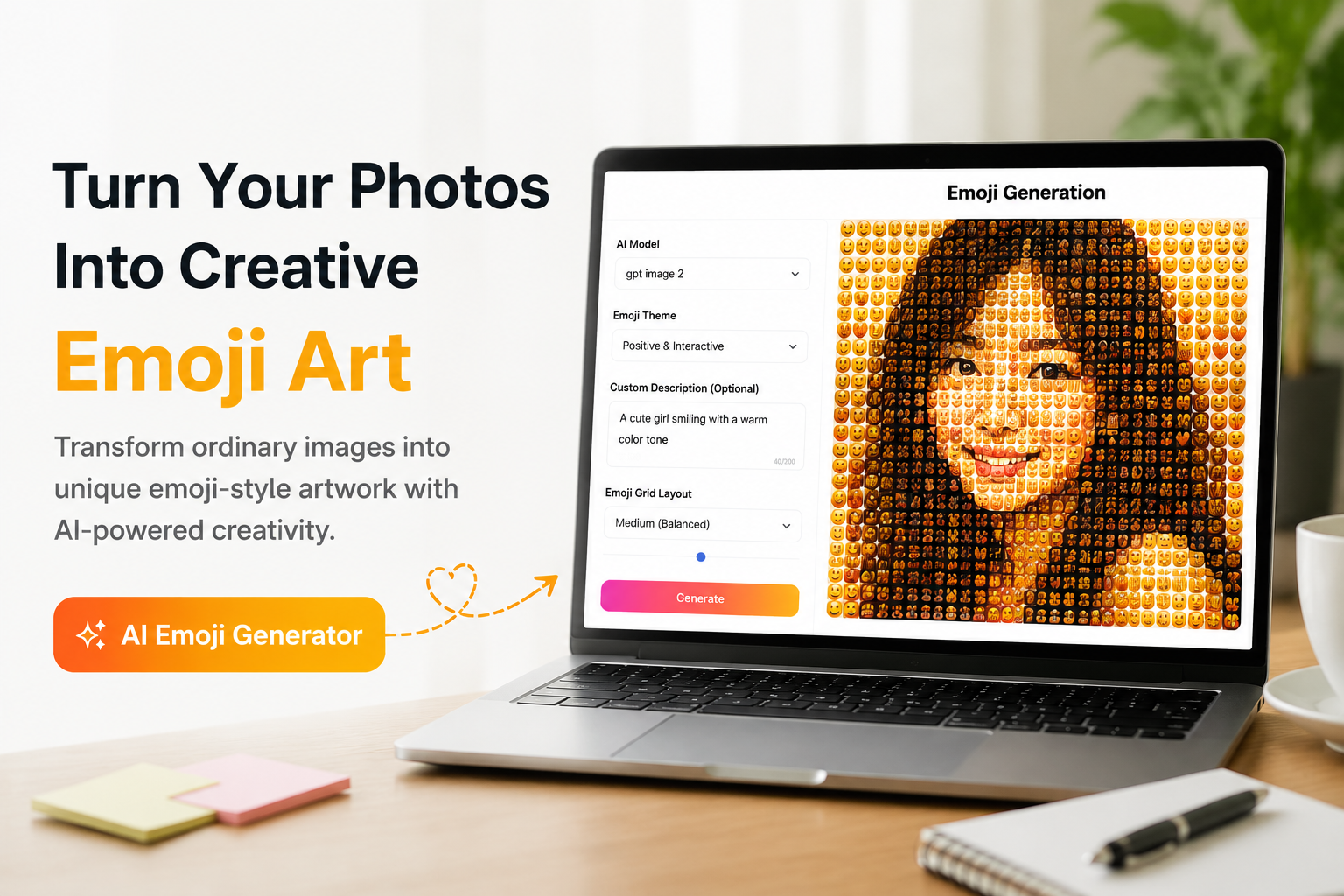
Turn Your Photos Into Creative Emoji Art With imgskit
Most photo filters only change colors or add simple effects. If you want to transform your images into something more creative and personalized, Emoji Generation offers a unique way to create AI emoji artwork.
This AI-powered emoji generator converts ordinary photos into custom emoji-style designs by analyzing the original image and rebuilding it with expressive emoji elements. Whether you want to create a profile avatar, social media graphic, meme image, or community sticker, imgskit provides flexible controls to customize the final result.
Unlike traditional emoji mosaic generators that simply replace pixels with emojis, imgskit focuses on creating a more balanced composition where emoji elements, colors, and visual style work together.
Features and Customization Options
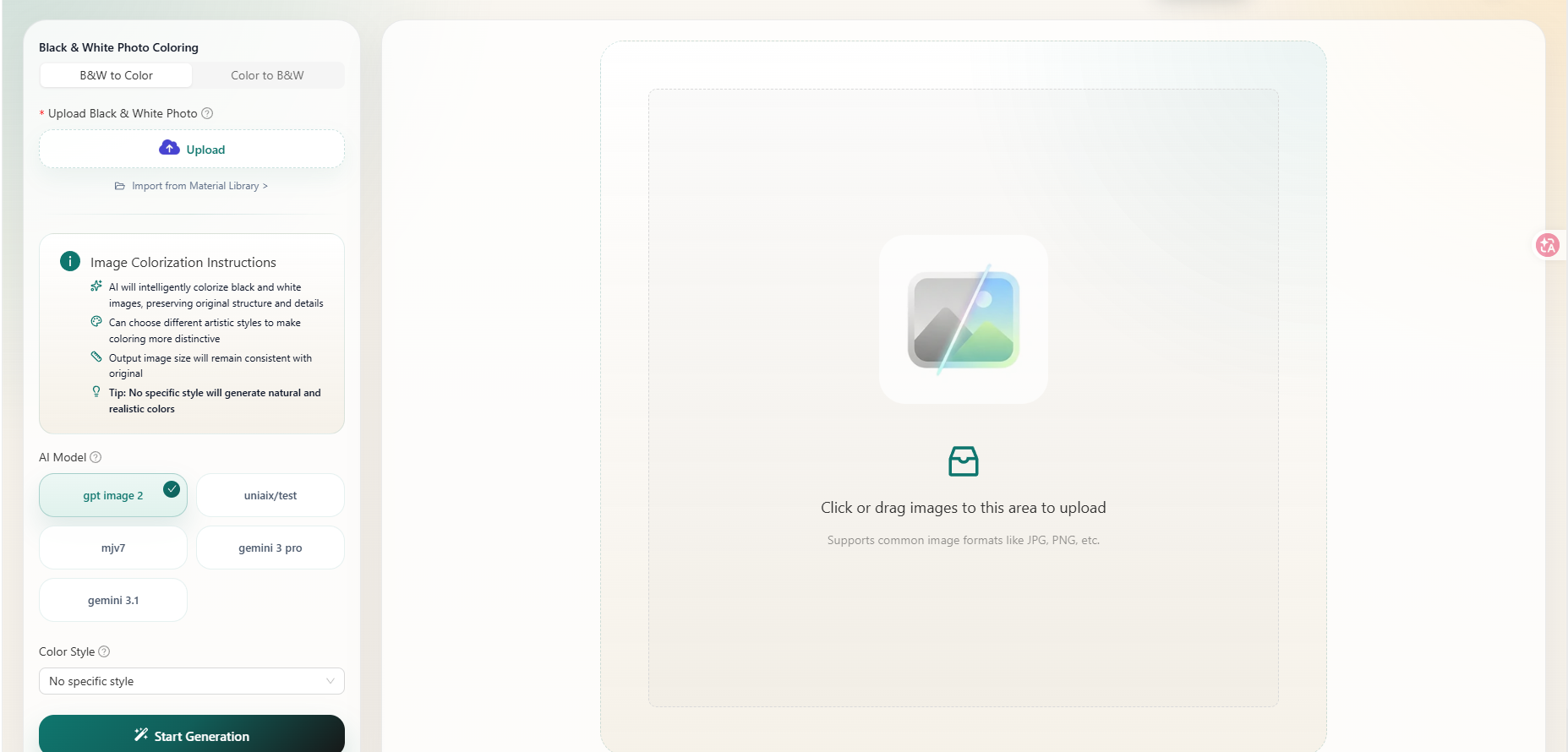
imgskit uses a simple split-screen interface. The right panel works as the upload workspace, supporting common image formats such as JPG and PNG, while the left panel contains all customization settings.
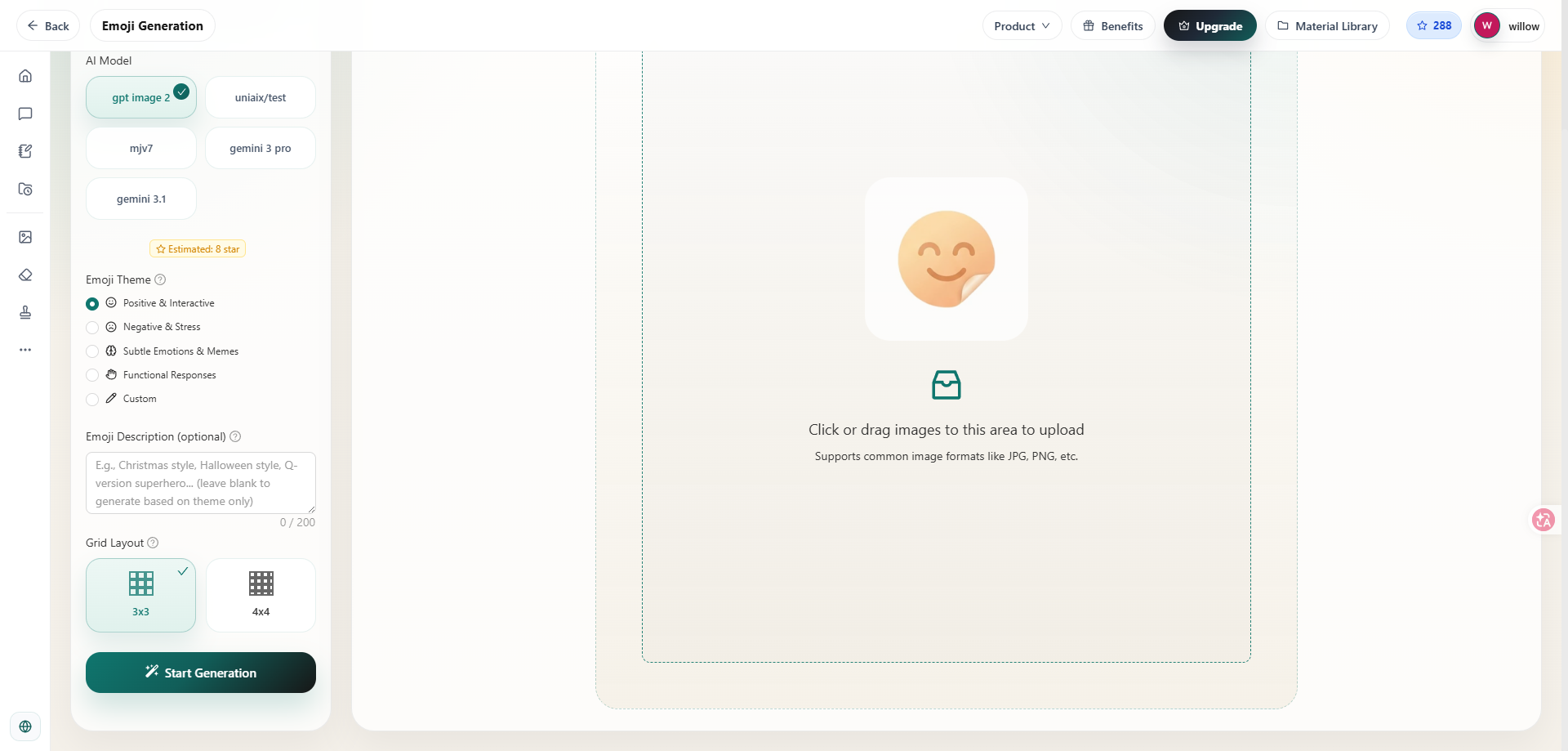
Users can choose from multiple AI models, including gpt image 2, uniaix/test, mjv7, gemini 3 pro, and gemini 3.1. Each model creates different visual results, from softer artistic styles to sharper and more structured emoji compositions. Trying different models is an easy way to discover a style that matches your idea.
The built-in emoji themes help users create artwork without writing complicated prompts:
- Positive & Interactive: Bright and energetic emoji designs for social media posts and casual content.
- Negative & Stress: Emotional and dramatic styles for expressive visuals.
- Subtle Emotions & Memes: Suitable for reaction images and internet-style content.
- Functional Responses: Cleaner emoji graphics with simple compositions.
- Custom: Full control over the creative direction.
For more personalized results, users can add custom descriptions. You can create styles such as anime emoji portraits, retro pixel emoji art, minimalist designs, or seasonal themes. Detailed prompts usually produce more consistent results.
The grid layout option controls emoji density. A compact layout creates detailed artwork with more emoji elements, while a wider layout produces cleaner and simpler compositions.
How to Create AI Emoji Images With imgskit
Creating emoji artwork only takes a few steps:
-
Upload your image to the workspace.
-
Select an AI model based on your preferred style.
-
Choose an emoji theme or add a custom description.
-
Adjust the emoji grid layout.
-
Generate and preview your final emoji artwork.
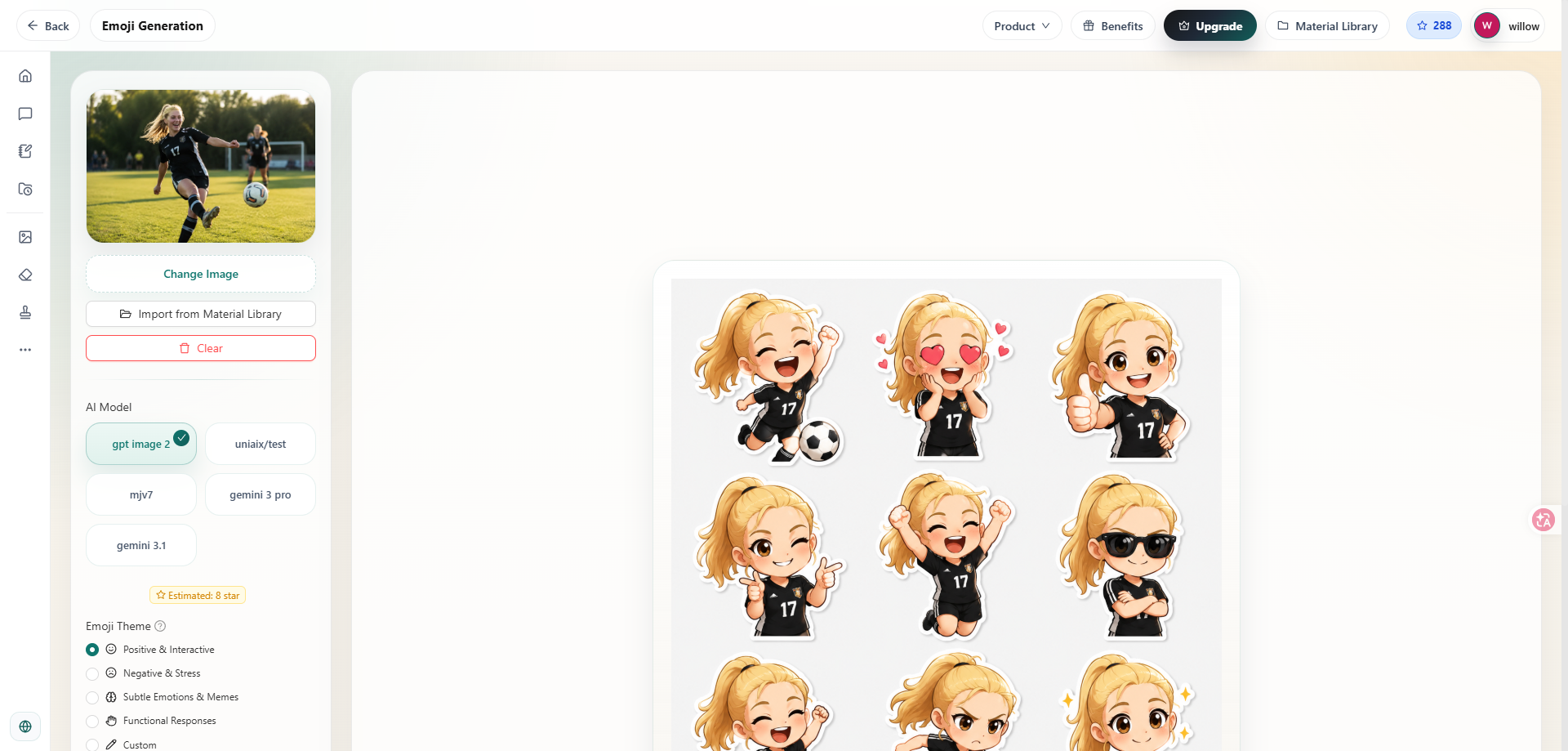 The process requires no professional design software, making it easy for beginners to experiment with AI image transformation.
Best Uses and Tips for Better Results
imgskit Emoji Generation works well for many creative projects, including social media avatars, meme graphics, Discord community emojis, blog illustrations, thumbnail designs, and experimental logo variations.
For better results, use images with a clear subject and simple backgrounds. Portraits with good lighting usually create cleaner emoji artwork, while crowded photos with too many objects may produce less consistent results.
If the first generation does not match your expectations, try changing the AI model, switching emoji themes, or adding more detailed prompts.
For example, instead of writing: Make it cuteA more specific prompt can create better results:Create a colorful anime-style emoji portrait with soft lighting and playful expressions.
Clear descriptions give the AI more guidance and help achieve a closer match to your creative vision.
Limitations of imgskit Emoji Generation
While imgskit makes emoji creation simple, there are still some limitations:
- Free users may have limited daily generations.
- HD exports may require additional access.
- Large images usually take longer to process.
- Results may vary between different AI models.
For professional projects that require consistent branding, generating multiple versions and selecting the strongest result is recommended.
Final Thoughts
imgskit Emoji Generation is a simple yet flexible AI emoji generator for anyone who wants to turn photos into creative emoji artwork.
With customizable AI models, preset emoji themes, custom prompts, and adjustable layouts, it provides more creative control than traditional photo filters.
For social media creators, meme designers, and users looking for a fun photo-to-emoji tool, imgskit offers an easy way to transform ordinary images into unique emoji-style artwork without complicated editing software.