imgskit Journal
Turn Selfies Into Professional Headshots|One‑Click Outfit Swap for Resume‑Ready Portraits
How AI Outfit‑Swapping Turns Ordinary Selfies Into Career‑Ready Headshots?
Getting a high‑quality professional headshot used to mean scheduling studio appointments, reserving time out of your busy schedule, and paying for professional photography services. For job seekers, recent graduates, and working professionals, that whole process can feel time‑consuming and costly. Many people already have decent selfies on their phones, yet those casual snapshots don’t work for resumes, LinkedIn profiles or corporate introduction pages.
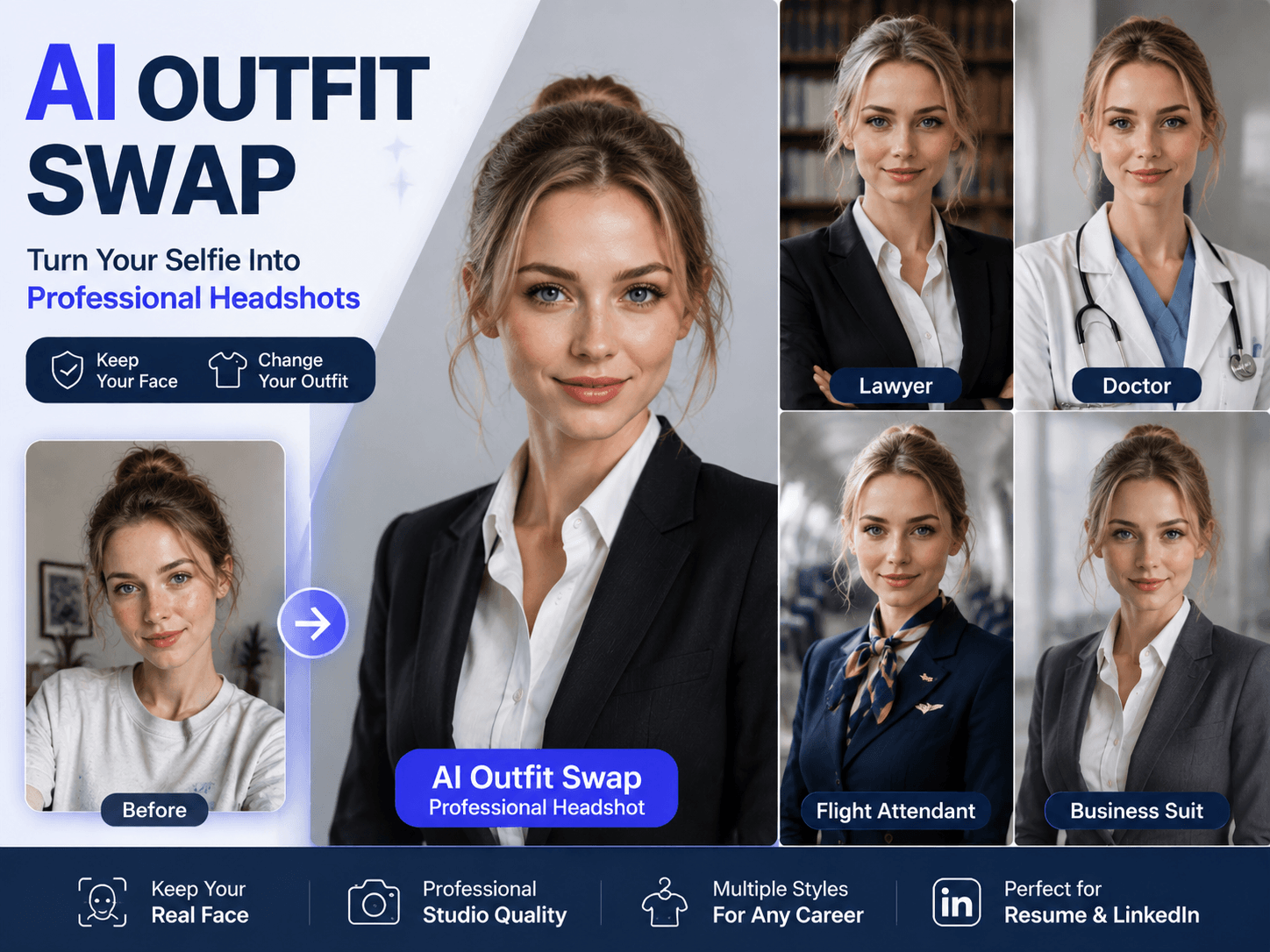
That is where AI‑powered outfit swapping comes in. Instead of rebuilding your face or generating an entirely new fictional person, this workflow focuses on one simple goal: keep your real face, facial contours and natural expression unchanged, and only replace your clothing and background with professional‑grade studio assets.
You can take any everyday selfie you already own and re‑imagine yourself in several common professional roles. Switch to a sharp lawyer suit for law‑related job applications, put on a doctor’s lab coat for medical‑field profiles, generate airline‑crew uniforms for aviation‑industry portfolios, or use classic business suits for general corporate‑world resumes. All outputs use clean neutral‑toned studio backgrounds and soft diffused studio lighting, delivering head‑and‑shoulder shots suitable for formal career‑oriented usage.
It is worth noting that this is not a face‑rebuilding tool. The biggest pain point of many AI portrait tools is that they alter your appearance, giving you unfamiliar facial features that barely look like you. This prompt set prioritizes face fidelity. When you use image‑to‑image generation, you retain your own look; you just get new professional attire.
Practical usage guide
-
Prepare your source selfie: pick a front‑facing photo with clear facial visibility, avoid heavy obstruction from hats or hair.
-
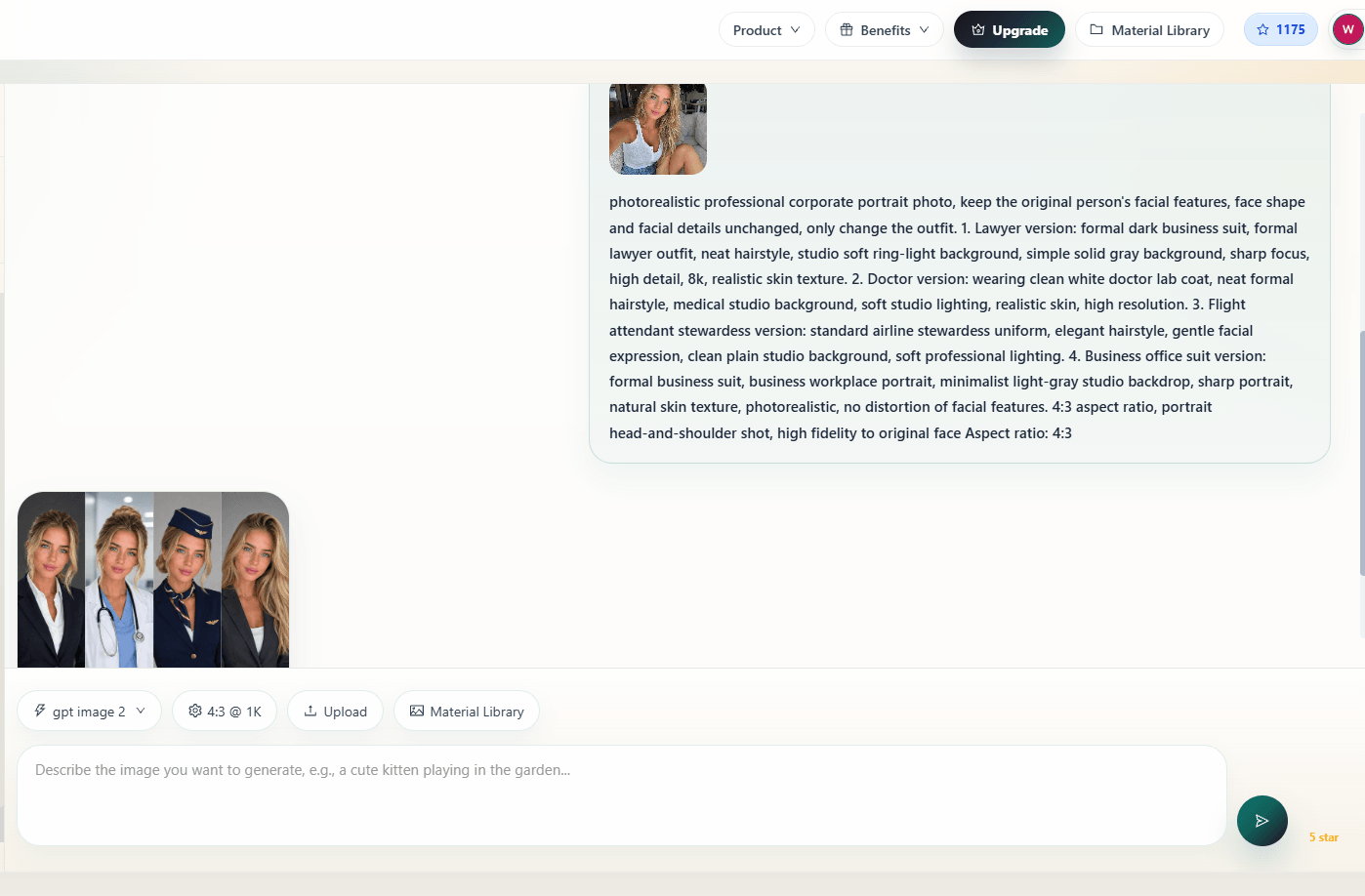
Choose image‑to‑image or inpaint mode, upload your selfie.
-
Adjust face preservation strength to 0.7‑0.8. Too high re‑render strength will distort your original facial features.
-
Select photographic / photorealistic style, stay away from anime, illustration or painting modes.
-
Use 4:3 aspect ratio, which is the standard dimension for most resume headshots.
Common use‑case scenarios
- Job‑hunting resume photos for graduate job applications
- LinkedIn and business social‑media profile avatars
- Corporate internal staff introduction pages
- Personal career portfolio display
This solution works great if you need multiple styles of professional portraits fast, or you just want to test different professional looks before booking an actual photo‑shoot. It does not fully replace real‑world studio photography, but it serves as a quick, low‑cost alternative for most daily career‑related needs.