imgskit Journal
Generate Any Image You Can Imagine — Meet imgskit's Free AI Image Generator
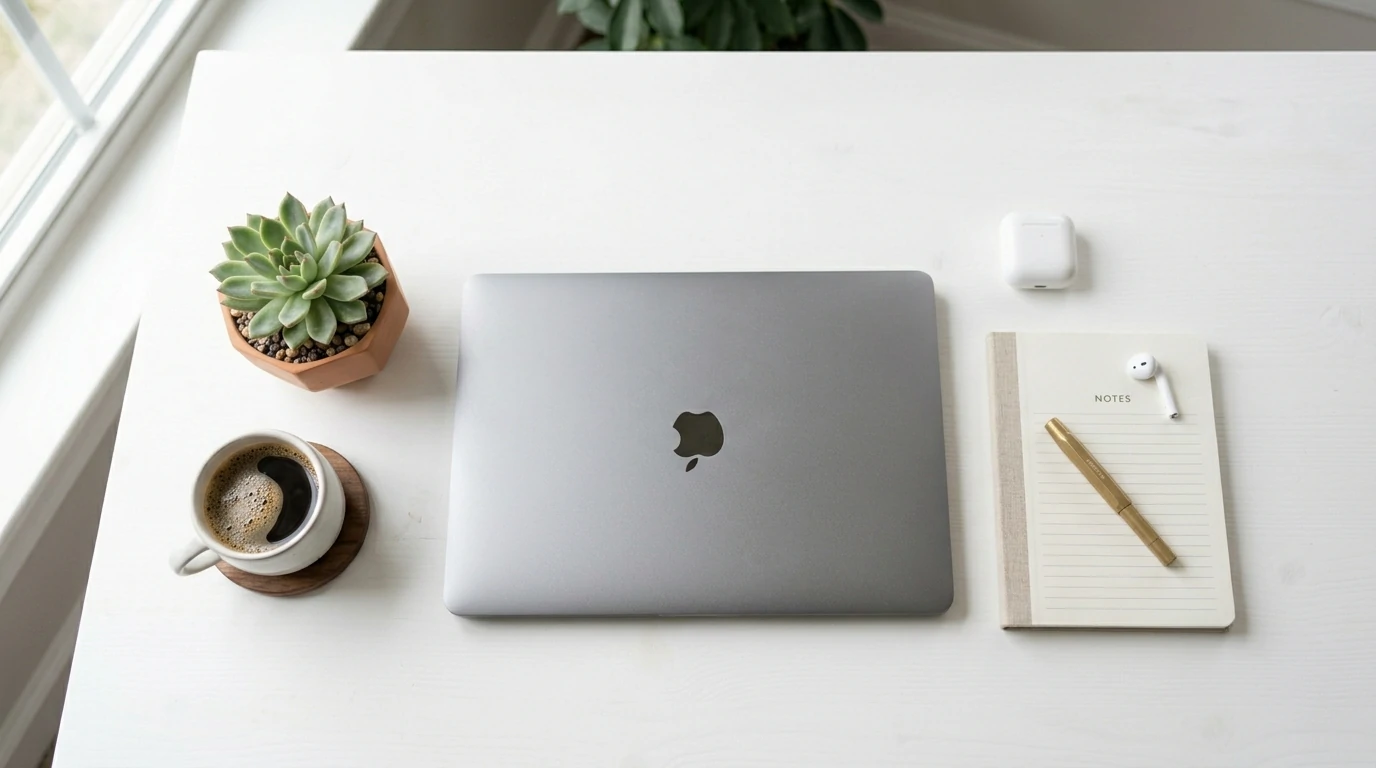
Whether you're a designer chasing the perfect concept visual, a marketer who needs product mockups in minutes, or a hobbyist who just wants to see your ideas come to life, one thing has become clear: text-to-image AI has changed what's possible. And imgskit puts the best models in the world directly at your fingertips — no API keys, no complex setup, just sign up and start creating.
Here's everything you need to know about imgskit's AI photo generator and the four powerful models behind it.
What Is imgskit's AI Generator?
imgskit is a free online photo editor and AI image toolkit covering everything from background removal to watermark cleanup to photo enhancement. At the center of it all sits the AI Image Generator — a text-to-image tool that lets you describe what you want and receive a stunning, ready-to-use image in seconds.
The real differentiator? You get to choose which AI model does the work. imgskit currently supports four state-of-the-art models, each with its own strengths. Pick the one that fits your project, or experiment across all of them.
The Four Models — and When to Use Each
Gemini 3.1 (Default)
Gemini 3.1 is imgskit's recommended starting point for most users. Powered by Google DeepMind's latest multimodal architecture, it delivers consistently strong photorealistic results with excellent prompt comprehension. If you're describing a complex scene with multiple elements, Gemini 3.1 handles the compositional logic well — objects stay in proportion, lighting is coherent, and the overall image feels intentional rather than accidental.
Best for: General-purpose image generation, product visualization, concept art, anything where you want reliable quality without overthinking the model choice.
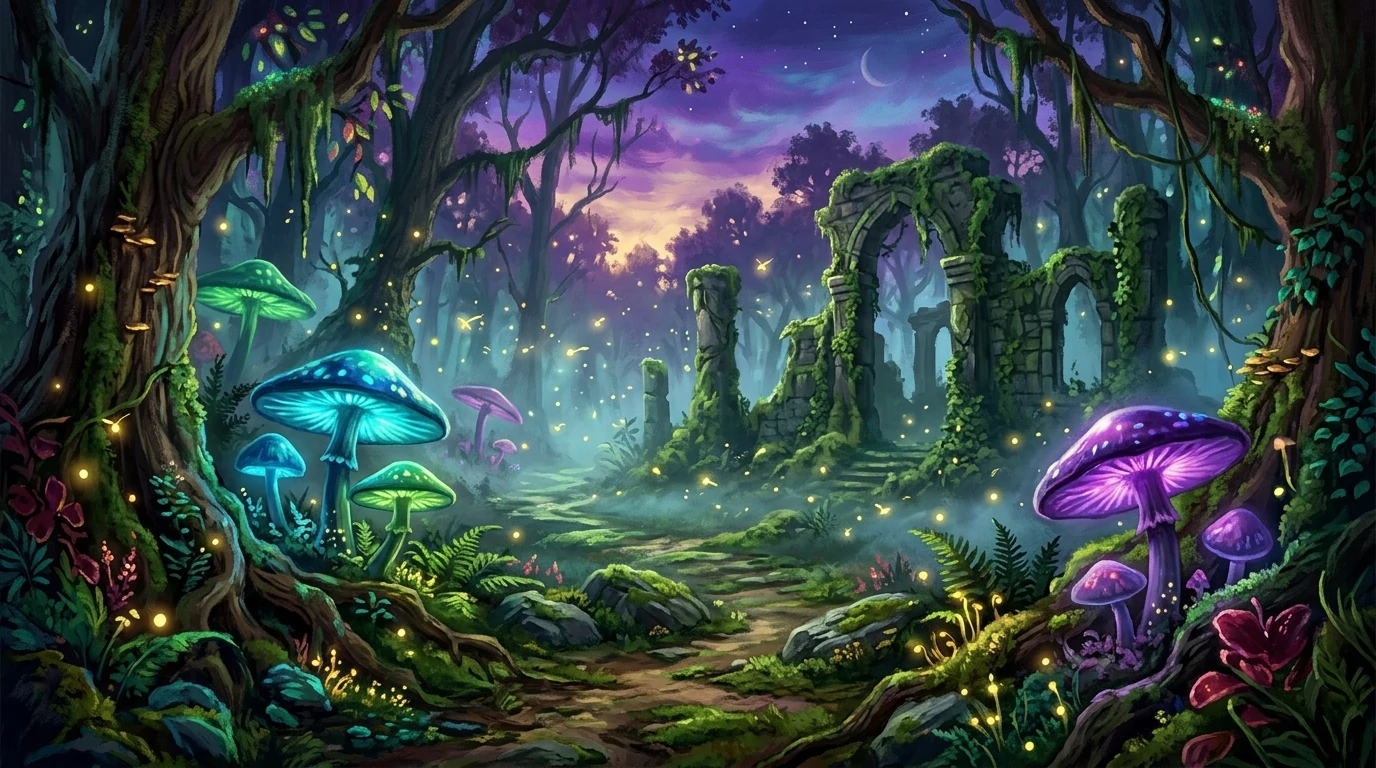
MJv7 (Midjourney Style)
MJv7 brings the aesthetic sensibility that put Midjourney on the map. It leans into rich detail, artistic texture, and a painterly quality that makes images feel crafted rather than computed. Where some models optimize for photorealism, MJv7 leans into visual appeal — images often feel like they belong in a gallery or a high-end editorial.
Best for: Fantasy art, concept illustrations, mood boards, social media visuals, backgrounds, and any project where artistic flair matters more than strict realism.
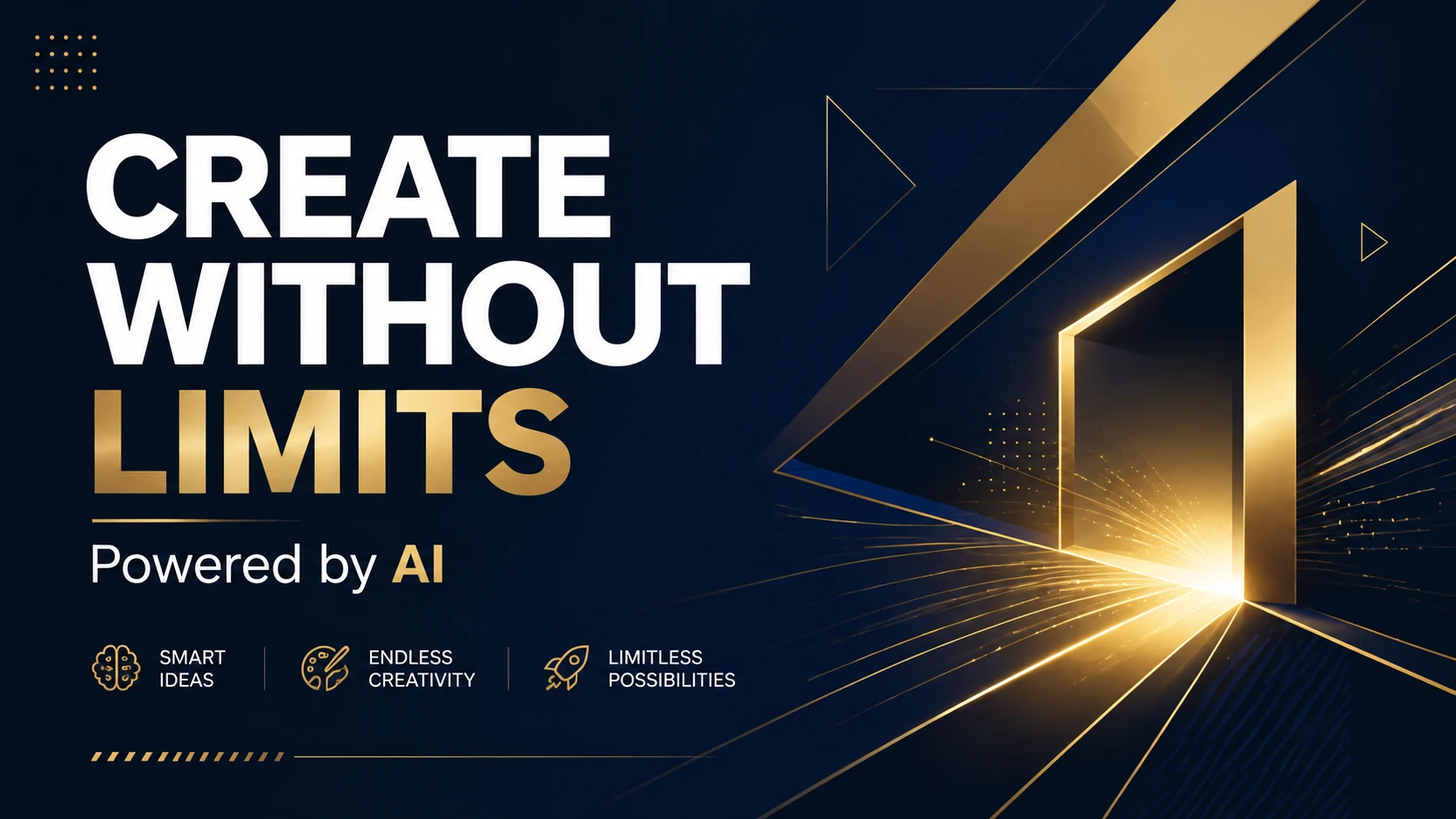
GPT Image 2
GPT Image 2 is OpenAI's current flagship image model, and it shows. Its biggest breakthrough is text rendering — AI-generated images can now include crisp, legible text in multiple languages, even on curved surfaces or in perspective. Beyond typography, GPT Image 2 brings unusually strong world knowledge to its outputs: maps look like maps, anatomical diagrams look accurate, and infographics actually communicate information.
Best for: Posters, flyers, product packaging, UI mockups, infographics, any image where readable text is critical, and complex real-world scenes that require accuracy.
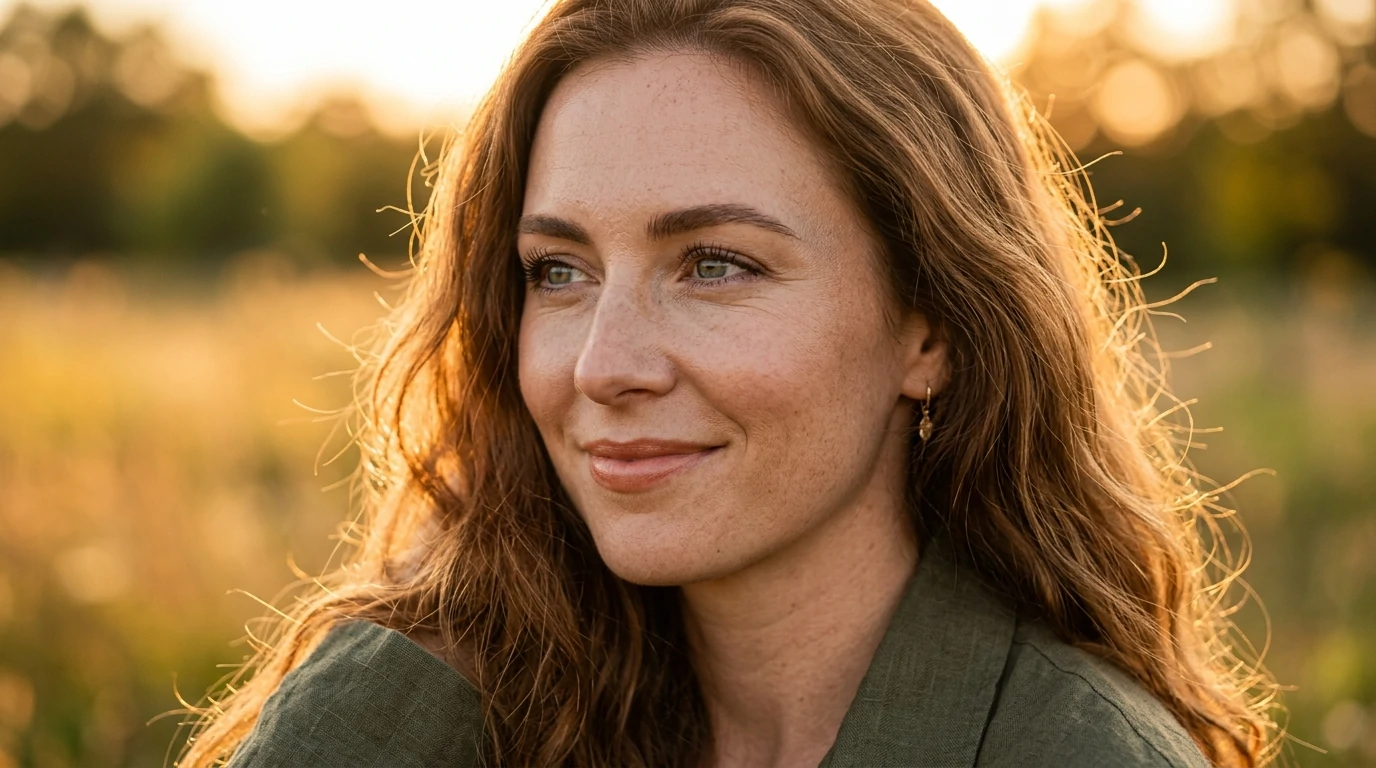
Gemini 3 Pro (Nano Banana)
Gemini 3 Pro — also known as Nano Banana — is Google DeepMind's premium tier and the model you reach for when quality cannot be compromised. It supports up to 4K resolution output and introduces a "thinking mode" where the AI plans composition and lighting before rendering, resulting in images that feel more considered and coherent. It also handles multi-image reference fusion, letting you blend elements from different source images into a single cohesive result.
Best for: Print-quality assets, hero images, professional photography-style portraits, high-resolution wallpapers, and projects where output quality cannot be compromised.
Which Model Should You Choose?
Not sure where to start? Here's a simple way to think about it.
If you just want a great image without overthinking it, Gemini 3.1 is your go-to — it handles the widest range of prompts reliably and is the default for a reason. If your project leans artistic or you want something that feels visually distinctive rather than technically precise, MJv7 is the better pick. When your image needs to include readable text — a poster headline, a product label, a UI screenshot — GPT Image 2 is the only real choice, since text rendering is where most other models still struggle. And when the output needs to be genuinely print-ready or pixel-perfect at high resolution, Gemini 3 Pro (Nano Banana) is worth the upgrade.
Of course, the fastest way to find your favorite is to try them side by side. With imgskit, switching between models takes one click — so experimentation is easy and fast.
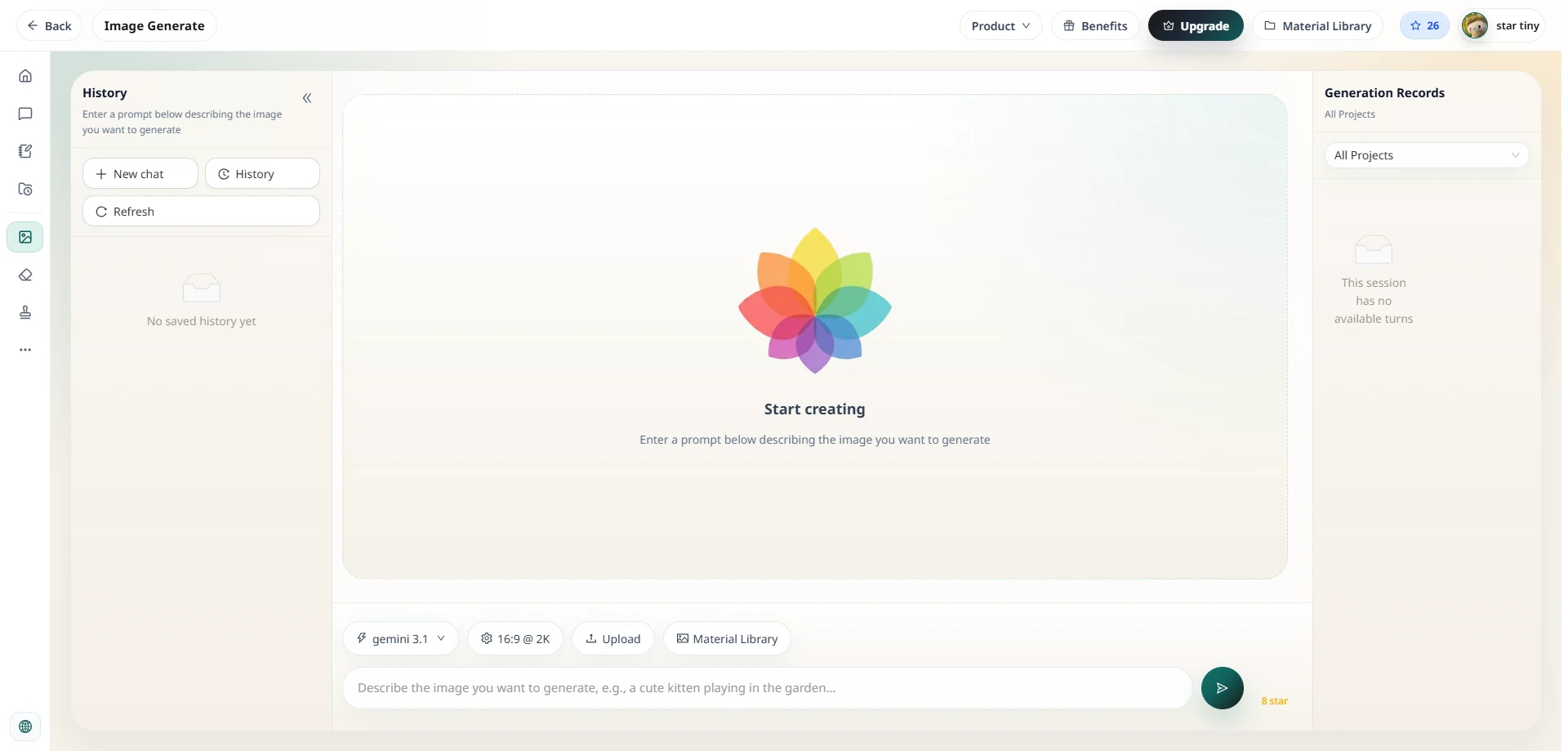
How to Generate Your First Image on imgskit
Getting started takes about 30 seconds:
- Open the AI Image Generator from the main menu.
- Type your prompt. Be specific — describe the subject, setting, style, lighting, and mood. The more detail you give, the more control you have over the result.
- Choose your model. Not sure? Start with Gemini 3.1 (Default). Need text in the image? Pick GPT Image 2. Want something painterly? Try MJv7.
- Generate and iterate. Your image appears in seconds. Tweak the prompt, switch models, and compare results until you get exactly what you need.
- Download your image. Save it directly from the browser, ready to use.
Ready to Start Creating?
imgskit is a free AI image generator that gets you started right away — no credit card needed. As you use the platform, you'll earn Stars, imgskit's built-in reward system, which can be accumulated through daily activity and other ways the platform offers. When you're ready for more, upgrading unlocks the full model lineup, higher generation quotas, and a faster queue. With all four models in one place, the right tool for every creative challenge is always just a prompt away.