imgskit Journal
AI Photo Generator: Turn Yourself Into a Movie Hero in Epic Cinematic Scenes
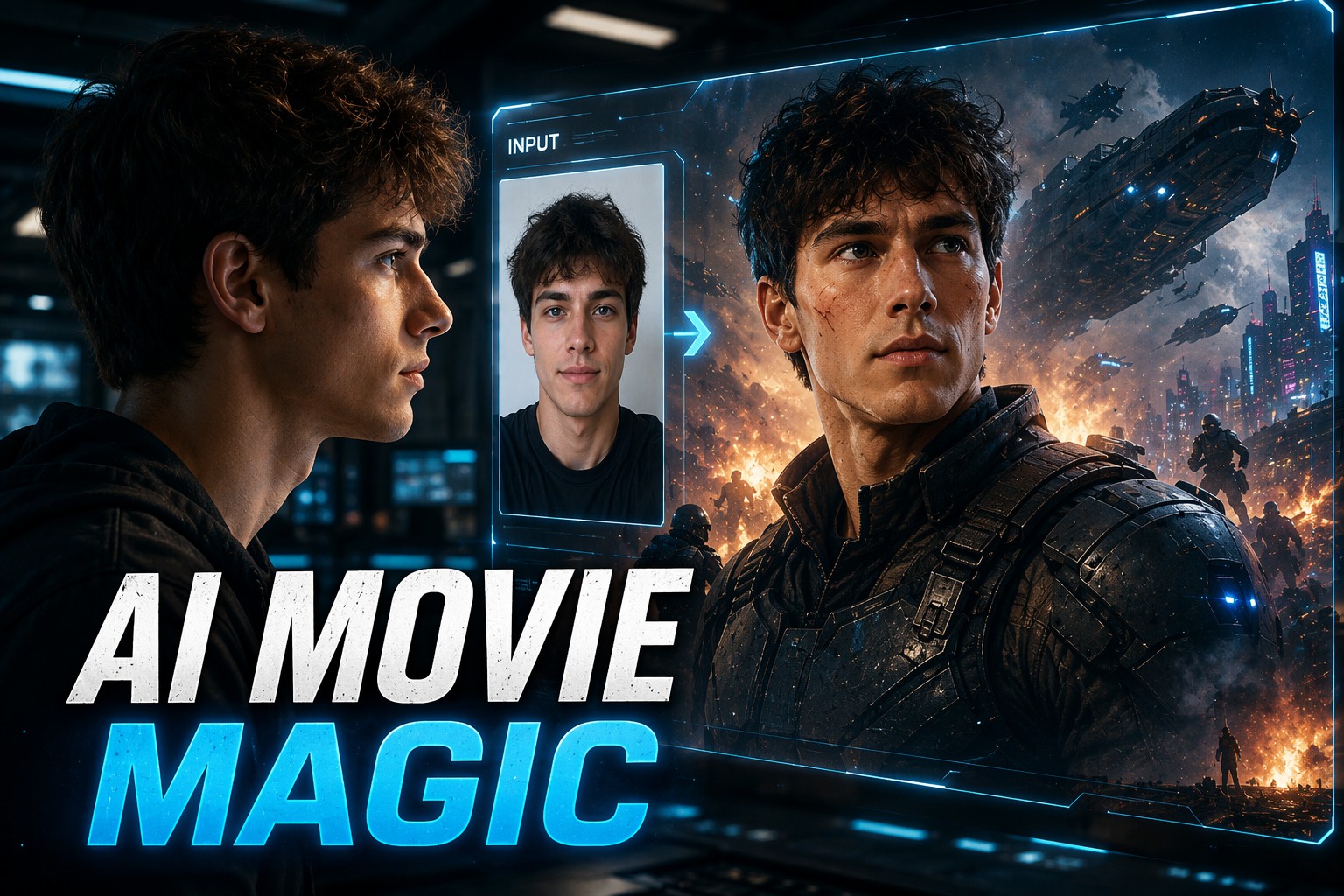
Have you ever watched a sci-fi blockbuster and imagined yourself standing in the middle of that massive battlefield, spaceship launch scene, or futuristic city skyline? I had that exact feeling. I wanted to know what I would look like as the main character in a Hollywood movie, but traditional photo editing always felt complicated and unrealistic.
With an AI photo generator, anyone can now transform a normal selfie into a cinematic movie scene within minutes. Instead of spending hours learning Photoshop, you can use AI prompts to create images that feel like they came directly from a science fiction blockbuster.
In this guide, I’ll share my experience creating movie-style AI images, the mistakes I made at the beginning, and practical AI cinematic photo prompt templates you can copy and customize.
How an AI Movie Poster Generator Turns Your Photo Into a Hollywood Scene
The first time I tried an AI movie poster generator, I expected a simple face swap. But the result surprised me.
The AI didn’t just replace my face. It recreated the entire atmosphere: dramatic lighting, camera angles, costumes, background destruction, and cinematic color grading.
The biggest difference between an average AI image and a movie-quality image is not only the tool. It is the prompt.
A good prompt tells the AI:
- Who you are in the scene
- What kind of movie world you belong to
- The camera perspective
- The lighting style
- The emotional atmosphere
- The visual effects
For example, instead of writing:
A person in a city
Try:
A futuristic hero standing in a destroyed cyberpunk city, wearing advanced armor, giant spaceships flying above, dramatic Hollywood lighting, cinematic camera angle, ultra realistic movie still, IMAX science fiction style
The second prompt gives AI enough information to build a complete movie frame.
My Experience Creating an AI Cinematic Photo Prompt
When I first created my own AI movie scene, my biggest problem was that the image looked like a random fantasy character instead of me.
After several attempts, I discovered three important tricks:
1. Describe the camera, not only the character
Movie scenes are created through camera language.
Useful words:
- close-up shot
- wide cinematic shot
- low-angle hero shot
- drone perspective
- IMAX movie frame
These details make the image feel like a real film scene.
2. Add emotional storytelling
A great movie image needs a story.
Compare:
A person standing in space
with:
The last survivor standing on a futuristic spaceship platform, watching a collapsing galaxy, emotional expression, epic cinematic atmosphere
The second version creates a feeling.
3. Keep your identity recognizable
When using your own photo, include:
- realistic facial features
- natural skin texture
- preserve identity
- same person as reference image
This helps AI keep your appearance while changing the world around you.
Copy These AI Movie Scene Prompt Templates
Here are some templates I personally use when creating blockbuster-style images.
Sci-Fi Hero Movie Template
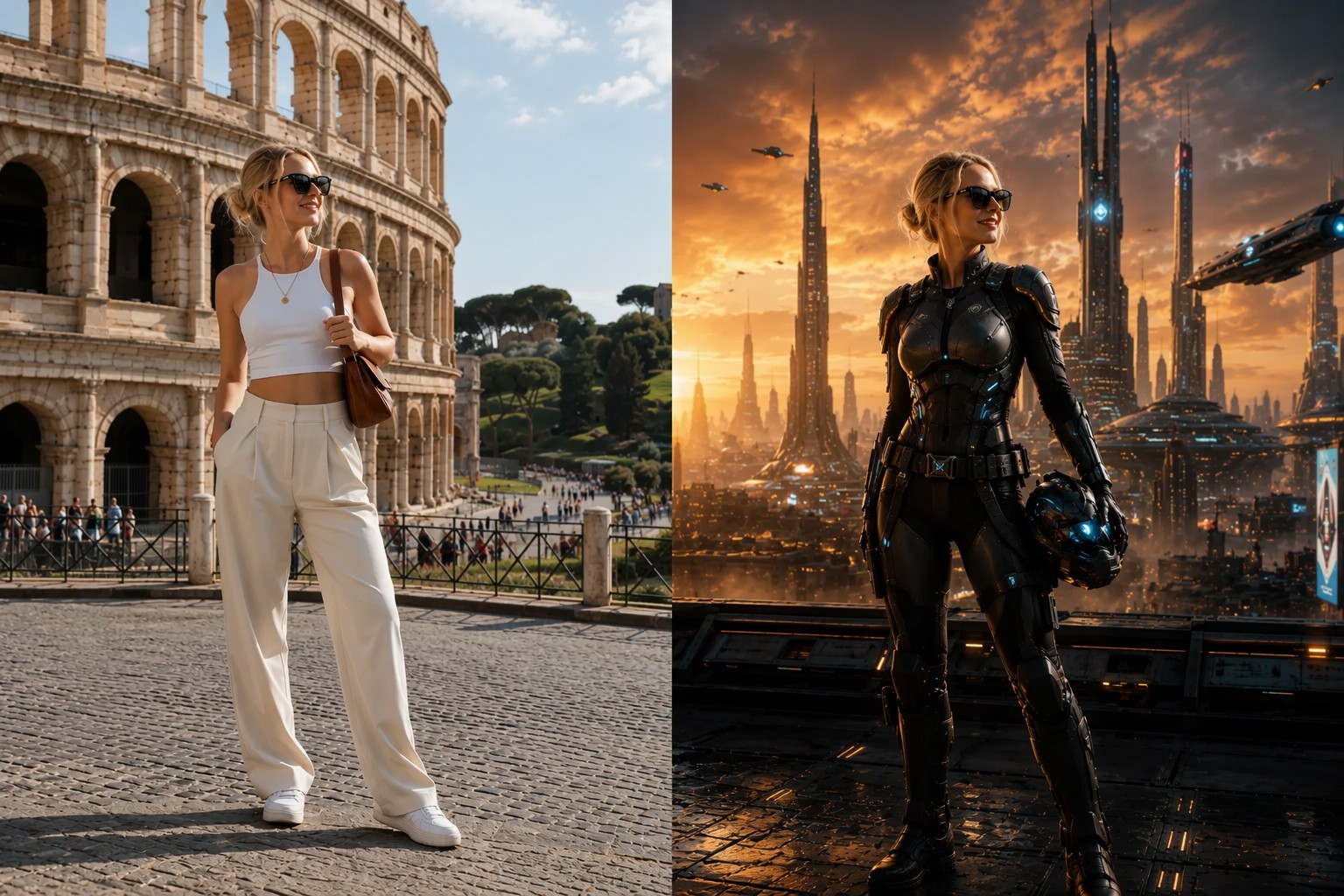
Create a cinematic movie scene using my uploaded photo.

Transform me into the main character of a futuristic science fiction blockbuster.

I am standing in [location], wearing [costume or armor].
Behind me is [spaceship / futuristic city / alien planet / battlefield].

Epic Hollywood movie lighting, dramatic atmosphere, ultra realistic details,
IMAX camera style, cinematic composition, realistic face preservation,
8K movie still quality.
Superhero Battle Scene Template
Turn my photo into an epic superhero movie scene.

Place me in a massive cinematic battlefield with explosions, futuristic technology,
dramatic clouds and powerful visual effects.

Keep my face realistic and recognizable.
Create a Hollywood blockbuster feeling,
dynamic camera angle, movie poster composition,
high detail, realistic lighting.
Space Adventure Template
Transform my portrait into a sci-fi space adventure movie frame.

I am standing inside a futuristic spaceship cockpit,
looking at a massive galaxy outside the window.

Cinematic lighting, realistic reflections,
advanced technology design,
epic science fiction atmosphere,
Hollywood movie quality.
If you want to create your own cinematic AI images faster, you can also explore our AI image tools and save your favorite prompts for future creations.
You can also check our related guide: AI image prompt ideas
Common Questions About Creating Movie Images With AI
Can AI really put me into a movie scene?
Yes. Modern AI image generators can combine your facial features with a completely new environment, allowing you to create realistic movie-style portraits, posters, and cinematic scenes.
How do I make AI images look more realistic?
Focus on details such as camera angle, lighting, lens style, environment, and emotions. Professional movie vocabulary usually creates better results.
What photos work best for AI movie transformations?
Clear front-facing portraits with good lighting usually work best. Avoid blurry images or photos with heavy filters.
Is creating an AI movie poster difficult?
No. The hardest part is usually writing the right prompt. Once you have a good template, you can create different movie styles easily.
Final Thoughts: Create Your Own Movie Moment With an AI Photo Generator
A few years ago, appearing inside a Hollywood-style movie scene required expensive editing skills. Today, an AI photo generator allows anyone to imagine themselves as a hero, explorer, or character from a futuristic world.
The most exciting part is not just generating a beautiful image. It is seeing yourself inside a story that once only existed on the big screen.
Try creating your own cinematic scene, experiment with different prompts, and discover what kind of movie character you could become.