imgskit Journal
AI Aging Filter: Human Time Machine to See Your Future Self in Seconds
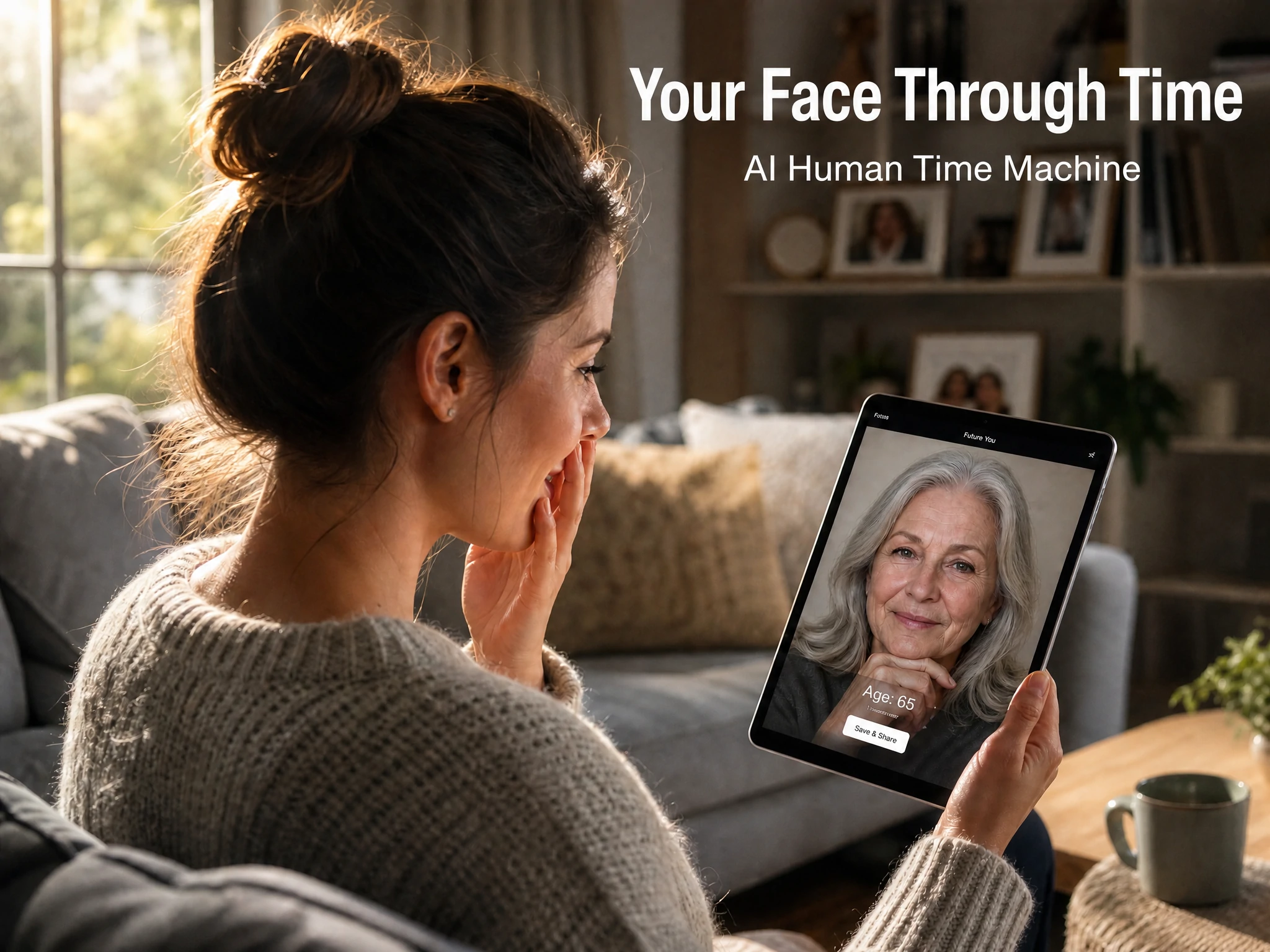
Have you ever looked at an old family photo and wondered what you or someone you love might look like decades later? With today’s AI image technology, that curiosity can become a visual experience in seconds. AI aging filter tools allow you to transform a current portrait into a realistic older version while keeping your unique facial features, expressions, and personality.
Whether you want to create a future-self portrait, make a meaningful gift for family, or simply explore your appearance through time, AI-powered image generation makes aging transformation more accessible than ever.
AI Aging Filter: How to Create a Realistic Older Version of Yourself
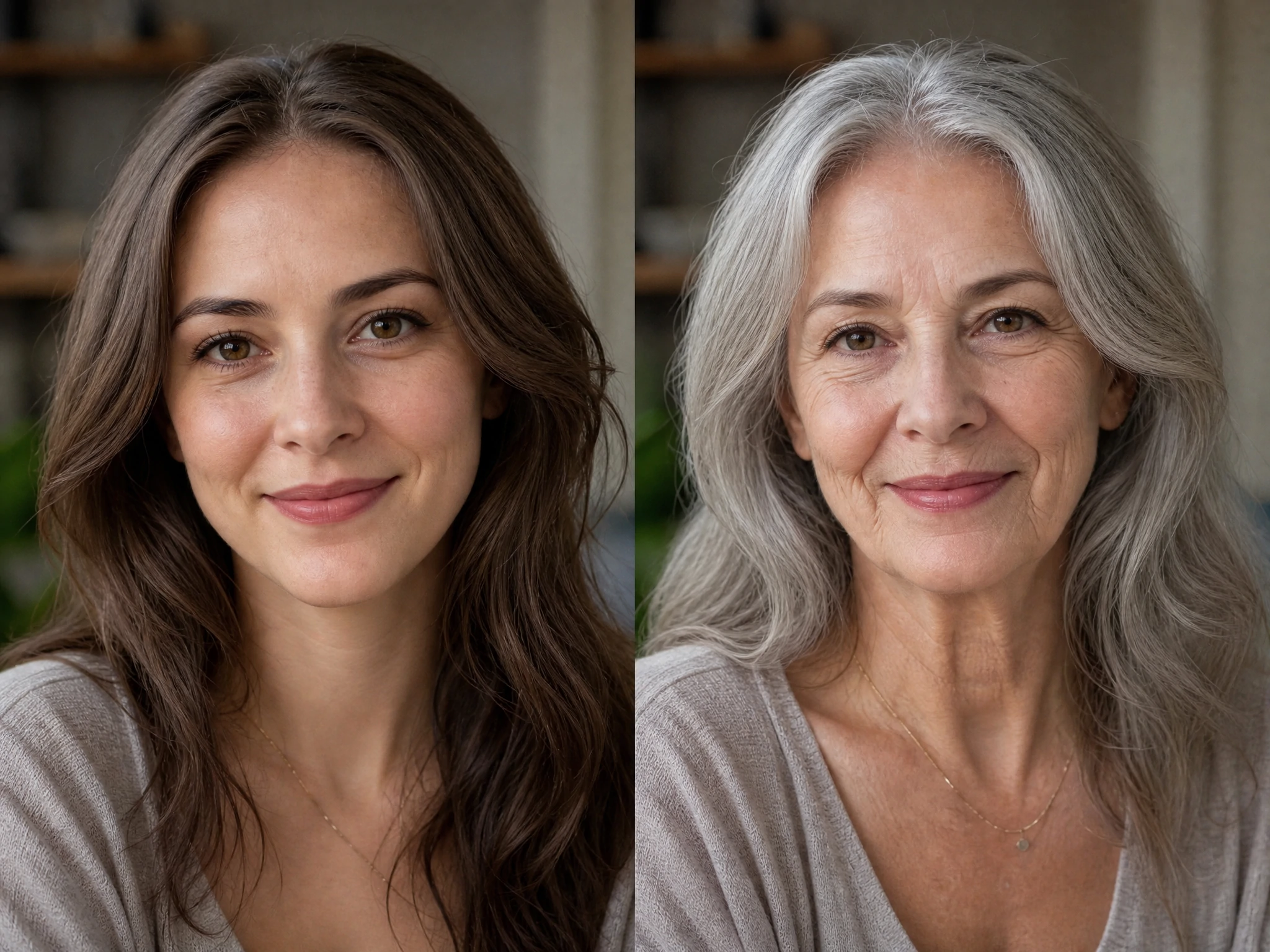
A good AI aging filter does more than add wrinkles. Modern AI image generators analyze facial structure, skin texture, hair changes, and natural aging patterns to create a believable transformation.
The best results usually come from a clear front-facing photo with:
- Good lighting and visible facial details
- A natural facial expression
- Minimal filters or heavy makeup
- High image quality
When generating an aging portrait, AI considers factors such as:
- Fine lines around the eyes and mouth
- Changes in skin elasticity
- Gray or thinning hair
- Slight changes in facial shape
- A more mature expression and emotion
This creates a result that feels less like a simple effect and more like a glimpse into a possible future.
How to Use an AI Face Aging Generator for Future Self Portraits
An AI face aging generator makes the process simple: upload your image, describe the desired age transformation, and let AI create the result.
A useful workflow looks like this:
- Upload a clear portrait photo.
- Choose the target age range, such as 50, 70, or 90 years old.
- Add detailed instructions about realistic aging.
- Generate multiple versions and select the most natural result.
For creators, these tools can also be used for:
- Character design
- Storytelling projects
- Family memory projects
- Social media content
- Creative photography concepts
AI Aging Prompt Template
Use the following prompt to create a realistic older version of a person:
English Prompt:
Transform this portrait into a realistic older version of the same person.
Keep the original facial identity, eye shape, and expression unchanged.
Show natural aging with realistic wrinkles, mature skin texture, gray hair,
subtle facial changes, and a warm elderly appearance.
Professional portrait photography, realistic lighting, high detail,
natural skin tones, ultra realistic.
Advanced Age Transformation Prompt:
Create a future self portrait of this person at age 75.
Preserve recognizable facial features while adding authentic signs of aging:
fine wrinkles, silver hair, slightly softer facial contours, experienced eyes,
and natural skin details.
The result should look like a real photograph taken decades later.
For different effects, you can adjust details:
- “at age 60” → middle-aged transformation
- “at age 85” → elderly transformation
- “healthy and energetic senior appearance” → positive aging style
- “black and white vintage portrait” → nostalgic photography style
Ready to see your future appearance? Try an AI aging filter now and create your own human time machine experience with just one photo.
Common Questions About AI Aging Portraits
Is AI aging safe for personal photos?
Most AI image tools focus on transforming uploaded images for creative purposes. Always choose trustworthy platforms and review their privacy policies before uploading personal photos.
Can AI predict exactly how someone will look in the future?
No. AI aging is a creative simulation, not a scientific prediction. It creates a realistic possibility based on general aging patterns while preserving recognizable features.
Why does my AI aging image look unrealistic?
Common reasons include:
- Low-quality input photos
- Extreme facial angles
- Too many style instructions
- Lack of detailed aging descriptions
Using a clear portrait and a specific prompt usually improves the result.
Can I create an aging effect for celebrities or fictional characters?
Yes, AI image generators are often used for creative concepts, character development, and visual storytelling. However, always consider consent and responsible use when transforming real people.
Conclusion: Create Your Human Time Machine with an AI Aging Filter
Aging is part of every person’s story, and AI now gives us a unique way to imagine that journey visually. With an AI aging filter, you can explore future-self portraits, create emotional memories, and experience the power of AI-generated photography.
Upload a portrait, customize your aging prompt, and start creating your own human time machine today.